Transkribus Guide
How to use Transkribus to transcribe handwritten and printed historical documents.
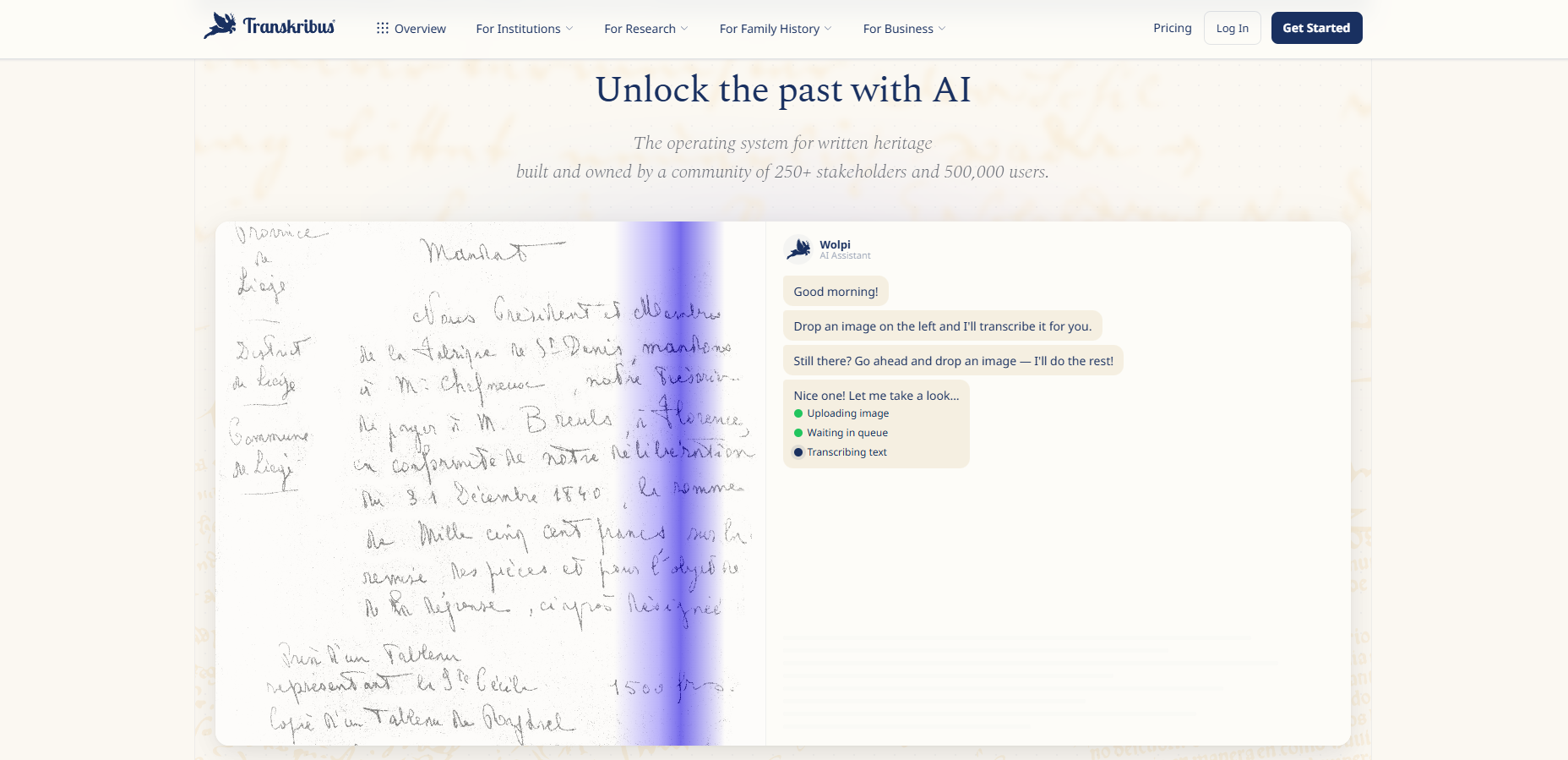
Transkribus is an AI-powered platform for transcribing handwritten, printed, and typewritten documents. It is especially useful for archives, historical research, genealogy, manuscripts, letters, registers, and other documents where standard OCR often struggles.
You can access it at transkribus.org.
What it does
Transkribus converts scanned documents or images into searchable text. It supports handwritten and printed text in more than 100 languages, and it can work with historical scripts, older handwriting styles, and mixed documents containing handwriting, print, stamps, or annotations.
Basic workflow
- Create an account on the Transkribus website.
- Upload document images such as JPG, PNG, TIFF, or PDF scans.
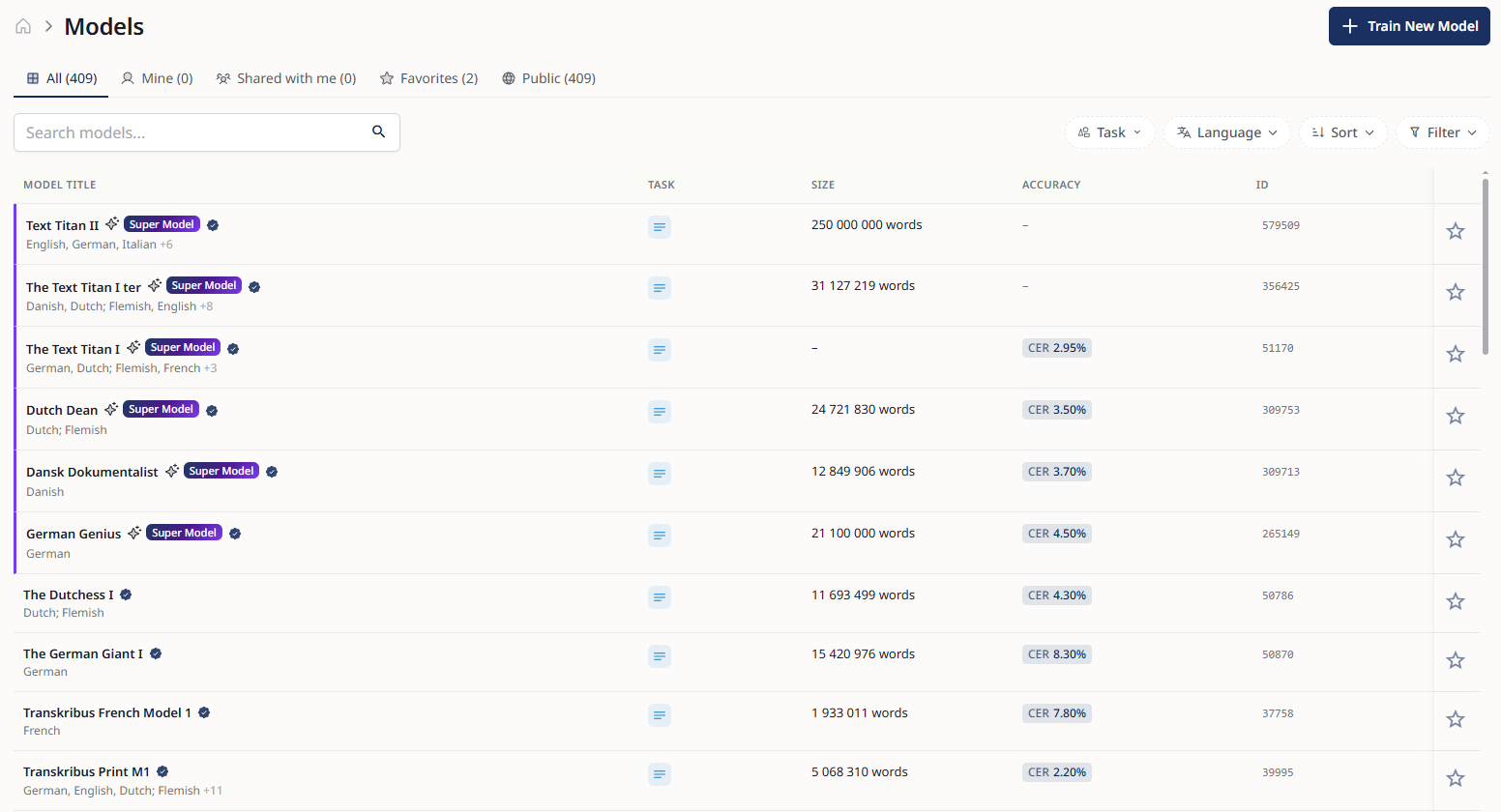
- Run text recognition using a public AI model or a custom model.
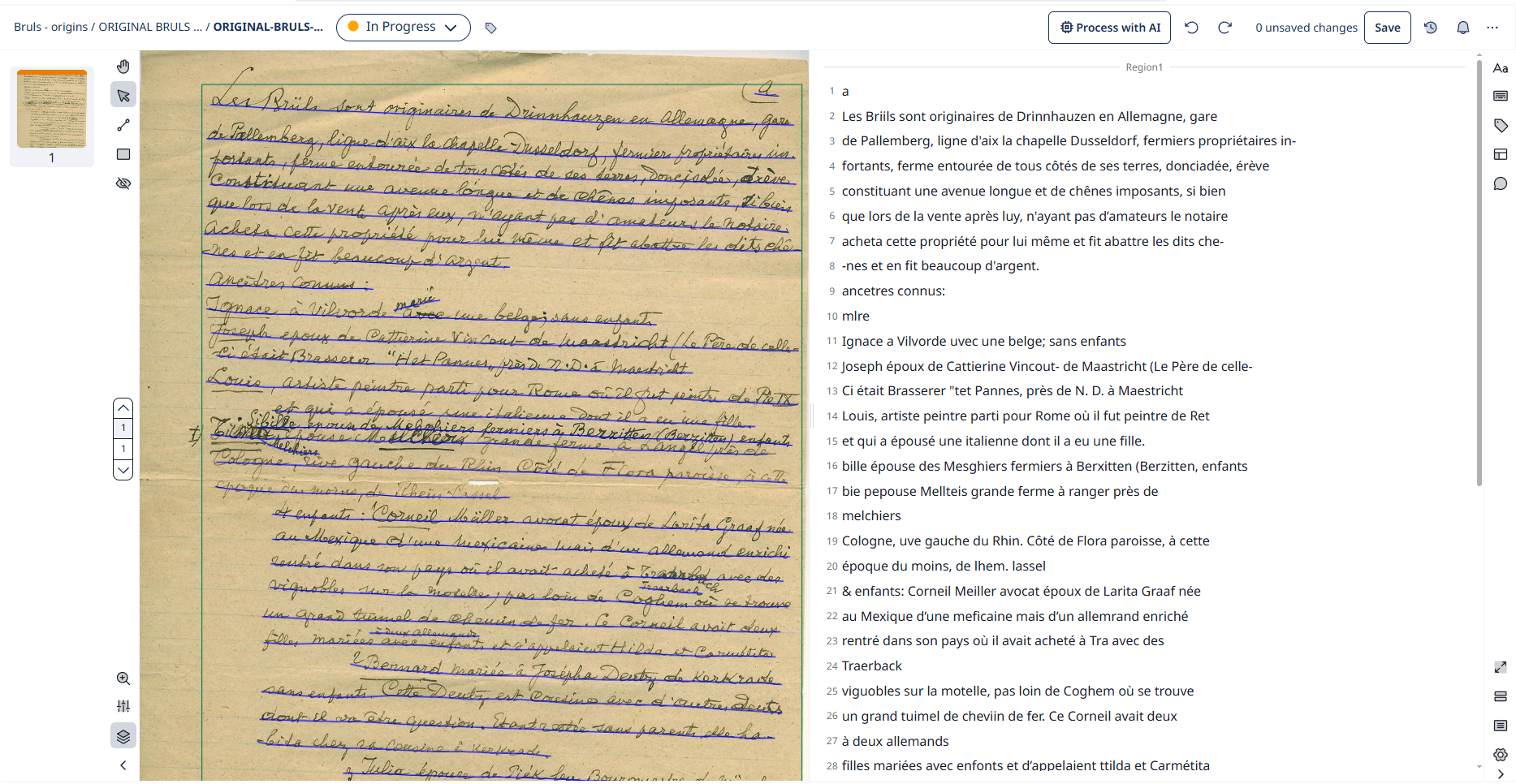
- Review and correct the transcription in the editor.
- Export the results as searchable text or structured files such as TXT, DOCX, PDF, TEI-XML, PAGE XML, or ALTO.
When to use it
Transkribus is most useful when working with historical or difficult documents, including:
- handwritten letters
- civil or church registers
- archive records
- legal records
- diaries and notebooks
- printed historical documents
- typewritten material
- mixed handwriting and print
Good practice
For best results, use clear, high-resolution scans. After automatic transcription, always check the text manually, especially names, dates, places, abbreviations, and unusual handwriting. For large collections with consistent handwriting, a custom model can improve accuracy.